Results for
Skip Ahead
Windows 10 Insider Preview 17723 (RS5) to Fast Ring and 18204 (19H1) to Skip Ahead released

Reviewed by
Jasa Hosting Dan Domain
on
July 26, 2018
Rating:
5
Windows 10 Insider Preview (RS5) Build 17661 for PC released on Skip ahead and Fast Ring

Reviewed by
Jasa Hosting Dan Domain
on
May 06, 2018
Rating:
5
Windows 10 Insider Preview (RS5) Build 17650 for PC released on Skip ahead

Reviewed by
Jasa Hosting Dan Domain
on
April 19, 2018
Rating:
5
Windows 10 Insider Preview (RS5) Build 17643 for PC released on Skip ahead

Reviewed by
Jasa Hosting Dan Domain
on
April 14, 2018
Rating:
5
Windows 10 Insider Preview (RS5) Build 17639 for PC released on Skip ahead

Reviewed by
Jasa Hosting Dan Domain
on
April 04, 2018
Rating:
5
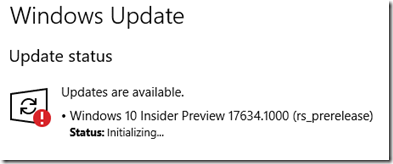
Windows 10 Insider Preview (RS5) Build 17634 for PC released on Skip ahead

Reviewed by
Jasa Hosting Dan Domain
on
April 01, 2018
Rating:
5
How to download Windows 10 Insider builds after Skip Ahead is closed

Reviewed by
Jasa Hosting Dan Domain
on
March 16, 2018
Rating:
5